Transpilot for Google Meet
Real-time translation for Google Meet
End-to-end AI speech translation for Google Meet: hear everyone in your language within seconds and answer in yours. Any Google account, any browser, no Chrome extension — and nobody else installs anything.






Any Google account
Personal Gmail or any Google Workspace edition. No paid Gemini or AI plan needed.
No extension, any browser
Chrome, Edge, Safari, Arc, Firefox or Brave. Transpilot listens to the browser on your Mac.
Nobody else installs anything
Other participants just hear you in their language through your microphone. No bot joins the call.
Why Transpilot
End-to-end AI speech translation: fast, accurate, in every meeting app
End-to-end AI speech translation
One AI model goes straight from their speech to translated speech and captions. There is no transcribe, translate and read-out relay, so errors don’t pile up along the way.
Low latency
The first translated words arrive in as little as 1.2 s, and the translation keeps pace while they talk — fast enough to answer naturally instead of waiting for the end of every sentence.
High accuracy
The model hears whole sentences in context, not word by word. Captions are then checked against your glossary, so names, numbers and industry terms come out right.
Every meeting app, plus live streams
Works with Zoom, Microsoft Teams, Google Meet, Lark, Tencent Meeting, and DingTalk, and with meetings in any browser. Videos and live streams playing in your browser, like YouTube and Twitch, are translated too.
Set up in Google Meet
How to translate a Google Meet call: pick one microphone.
Step 1
Start translating
Join the call in your browser. Transpilot detects it as a web meeting — pick the two languages and press Start.
Step 2
Choose “Transpilot Mic” in Meet
In the call, open More options (⋮) › Settings › Audio and pick it as your microphone. Turn off noise cancellation.
Step 3
Keep your headphones on
You hear the translation, they hear you in their language. Turn the original voice up or down any time.
When the Meet call ends
Google Meet notes, without recording or Gemini.
Press End translation and Transpilot writes the summary for you — no Meet recording, no Gemini plan, no host permission. It stays on your Mac, and on your web account if you turn on sync.
- Overview, decisions and action items with owners
- In your language or the other side’s
- Export to PDF, Word, Markdown or SRT
Meetings › Today
Weekly supplier sync
Oct 28 · 32 min · Zoom · Japanese ⇄ English
AI summary · written when the meeting ended
Overview
Yuki’s team can hold $19.50 a unit if you commit to 10,000 units. Delivery is settled first; you’ll confirm the volume internally and reply by Friday.
Key points
- Price depends on a 10,000-unit commitment.
- Samples are the critical path for the March launch.
Decisions
- Lock the delivery date before negotiating price.
- First samples arrive by the end of March.
Action items
- Confirm the 10,000-unit commitmentYYouFri
- Send the sample shipping scheduleYYuki TanakaWed
- Share packaging specsYYouMar 3
On Google Meet every day
Live Google Meet translation for the calls that matter.

“Could you send the proposal in Portuguese as well?” Calls with customers abroad

“The São Paulo team will demo the new flow on Thursday.” Remote team check-ins

“Tell me about a project you led.” Interviews in a second language
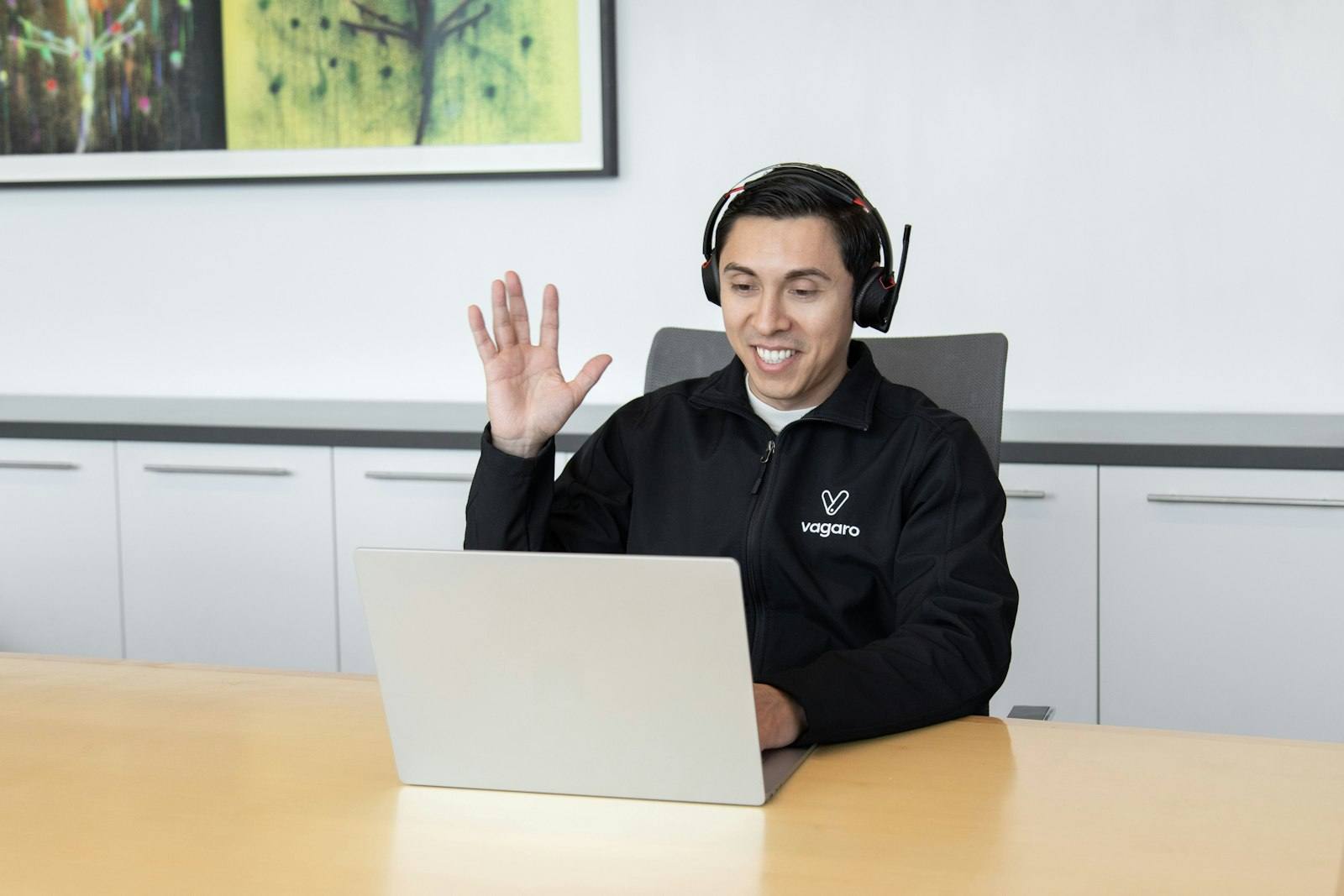
“Let me share my screen and walk you through it.” Classes, tutoring and support
No. Transpilot runs on your Mac and works in any Google Meet call you can join, with a personal Google account or any Workspace edition.
Google Meet’s own translated captions and speech translation are available only on some Google Workspace and Google AI plans, for some languages. Transpilot works with any account and 60+ languages, shows bilingual captions, plays the other side’s speech in your language and lets them hear you in theirs. Because it uses an end-to-end AI speech model, the first translated words arrive in as little as 1.2 s.
No. Transpilot is a Mac app, so it works in Chrome, Edge, Safari, Arc, Firefox and Brave without adding anything to the browser.
Transpilot listens to the whole browser, not a single tab, and lowers the original voice while you translate. Mute tabs that play other sound; they go back to normal when you end the translation.
No. Transpilot writes the summary from the translated captions on your Mac, so nobody sees a recording notice.
The same 60+ languages as everywhere else. Pick any two for each call.
Yes. The free trial gives you 20 credits with no credit card — about 20 minutes of Subtitles, 10 of Listen or Speak, or 6.5 of Listen + Speak. After that, plans use credits for each minute of translation.
Not only Google Meet
The same app, the same credits, in every other meeting app on your Mac.
- Zoom
- Microsoft Teams
- Lark
- Tencent Meeting
- Slack Huddles
Your next Google Meet call,in your language.
Download the app, pick two languages and join the call you already have. Your free trial: 20 credits — about 20 minutes of Subtitles, 10 of Listen or Speak, or 6.5 of Listen + Speak.
Free trial · macOS 14.4 or later (Apple silicon and Intel) · Windows 10 (version 2004 or later) or Windows 11